

Shinkai App vs Shinkai Web: The Ultimate LM Studio Alternative for Local AI Agents (2025)
Local AI is no longer a niche trend. In 2025, more builders and organizations are actively moving away from cloud-only systems toward local AI agents that offer privacy, ownership, and real automation.
As a result, searches for LM Studio alternative, LM Studio alternatives, and alternative to LM Studio continue to grow — especially among users who start with local chat and then seek more advanced agent workflows.
This is where Shinkai AI enters the conversation.
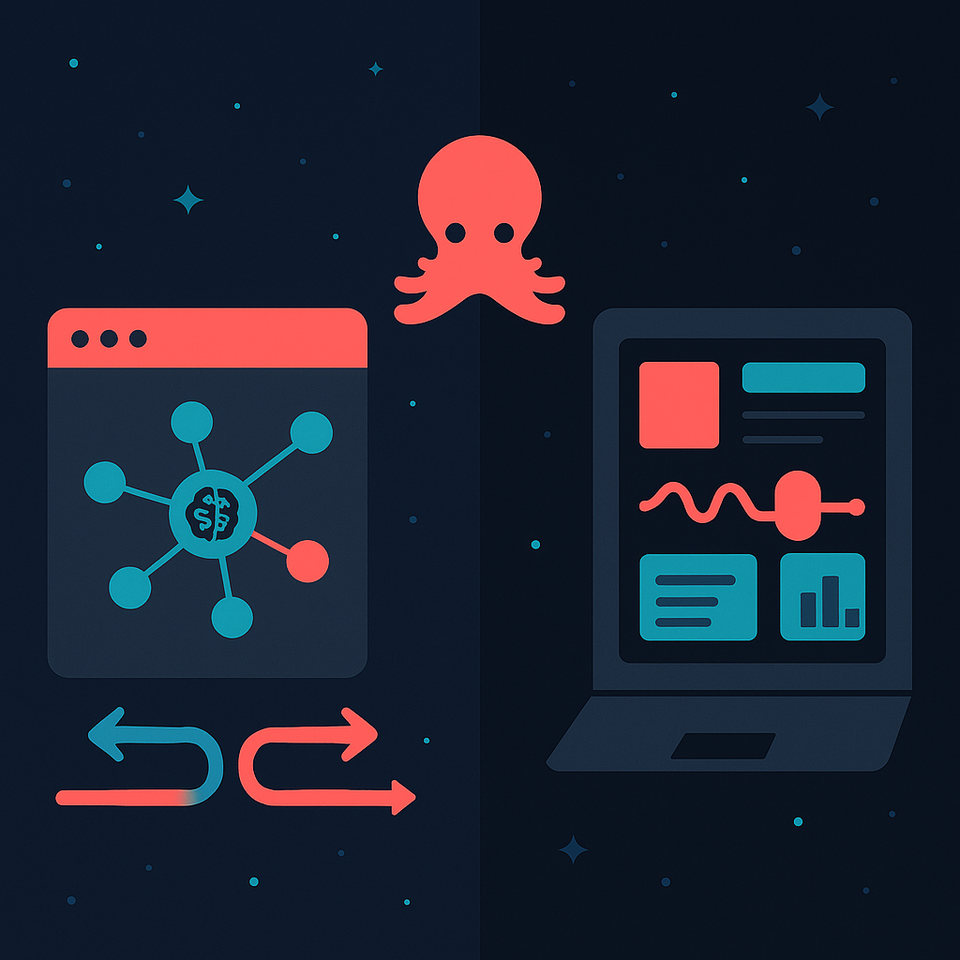
Rather than being just another local chat app, Shinkai provides both a desktop agent AI platform (Shinkai Desktop / Shinkai App) and a browser-based agent environment (Shinkai Web). Together, they form a flexible ecosystem for building and running real AI agents — not just chatting with models.
This guide explores the real-world differences between Shinkai App and Shinkai Web, and why many users now see Shinkai as a serious LM Studio alternative for local AI agents in 2025.
From Local Chat to Local AI Agents
Tools like LM Studio, Ollama, and GPT4All helped popularize local model execution. Many users still compare Ollama or LM Studio when deciding how to run models on their machine.
But in 2025, the market is shifting from:
“Run a model locally” to “Run autonomous AI agents locally”
That shift demands:
- Long-running workflows
- Tool usage
- File access
- Automation
- Memory
- Scheduling
This is the architectural gap that Shinkai Desktop and Shinkai Web are designed to fill.
🐙 What Is Shinkai?
Shinkai is a decentralized AI platform focused on local AI agents, automation, privacy, and agent interoperability. Instead of centering AI around a single chatbot, Shinkai is structured as an agent operating system that supports:
- Multi-model execution (local + cloud + decentralized)
- Persistent AI agents
- Tool and file integrations
- Task scheduling and automation
- Strong user data ownership
This architecture makes Shinkai AI fundamentally different from a traditional local chat app.
🐙 What Is Shinkai App (Shinkai Desktop)?
Shinkai App, often searched as Shinkai Desktop, is the full local execution environment for AI agents. It runs directly on your machine and is best described as a desktop agent AI platform rather than a chat client.
With Shinkai Desktop, users can:
- Run local models using Ollama and other runtimes
- Build persistent local AI agents
- Orchestrate multi-step workflows
- Connect agents to files, APIs, and tools
- Automate tasks with scheduled execution
- Keep sensitive data fully on-device
Typical Use Cases for Shinkai Desktop
- Data analysis on local files
- Automated research pipelines
- Developer toolchains
- AI-powered reporting
- Security, finance, and privacy-sensitive workflows
- Personal AI tutor agent running fully offline
Key Strengths
- True local execution
- Full automation and orchestration
- Strong privacy guarantees
- Deep integration with system-level tools
Shinkai Desktop is ideal for users who have outgrown LM Studio-style chat tools and now need a complete desktop agent AI system.
🐙What Is Shinkai Web?
Shinkai Web is the browser-native layer of the Shinkai ecosystem. It provides instant access to AI agents without requiring installation or local setup.
With Shinkai Web, users can:
- Create and chat with agents directly in the browser
- Use multiple AI models seamlessly
- Run lightweight automations
- Schedule recurring agent tasks
- Access Shinkai across devices
Typical Use Cases for Shinkai Web
- Fast research and summarization
- Content ideation and generation
- Education and onboarding
- Building a light AI tutor agent
- Cross-device experimentation
Shinkai Web prioritizes accessibility and speed, making it an ideal entry point for users transitioning from simple chat tools toward full agent systems.
Execution Model: Local vs Browser-Based AI
This is the core architectural difference:
- Shinkai Desktop (App) executes AI agents fully on-device when using local models.
- Shinkai Web executes through browser-based coordination and connected runtimes.
In practice:
- Desktop means control, privacy, and compute depth.
- Web means accessibility, flexibility, and reach.
Both environments support local AI agents, but at different layers of execution.
Automation & Scheduled Workflows
One of the biggest differences between Shinkai and most LM Studio alternatives is native automation.
In Shinkai Desktop, scheduled agents can access local files, tools, and persistent memory.
In Shinkai Web, scheduled agents run browser-accessible research, monitoring, content, and analytics tasks.
This moves Shinkai beyond chat into true autonomous AI execution.
Privacy & Data Ownership
Privacy is the primary reason many users begin searching for an alternative to LM Studio.
With Shinkai Desktop, sensitive workflows remain fully local.
With Shinkai Web, users gain flexibility based on the runtime and model selected.
In both cases, data ownership remains with the user, not a centralized AI provider.
Why Shinkai Is Emerging as an LM Studio Alternative
LM Studio is an excellent gateway into local models. But it remains fundamentally:
- Chat-centric
- Prompt-driven
- Session-based
Shinkai extends this paradigm into:
- Persistent agents
- Automated workflows
- Tool-using intelligence
- Scheduled execution
- Hybrid local + browser infrastructure
This makes Shinkai a natural evolution beyond LM Studio, rather than a direct one-to-one replacement.
The Future of Local AI Is Agent-Based (Not Chat-Based)
In 2025, the most important distinction is no longer cloud vs local, but chat vs agents.
Users are now building:
- Research agents
- Monitoring agents
- Content pipelines
- Data automation systems
- Personal assistants and AI tutor agents
All of these require more than a local chat interface.
Shinkai’s App + Web architecture was built specifically for this agent-driven future.
Which One Should You Use?
Choose Shinkai Web if you want instant access, fast experimentation, and browser-based AI agents.
Choose Shinkai Desktop if you need deep automation, privacy, offline execution, and full control of local AI agents.
Most advanced users will naturally use both.
Shinkai offers a unified path from experimentation to real autonomous AI production.